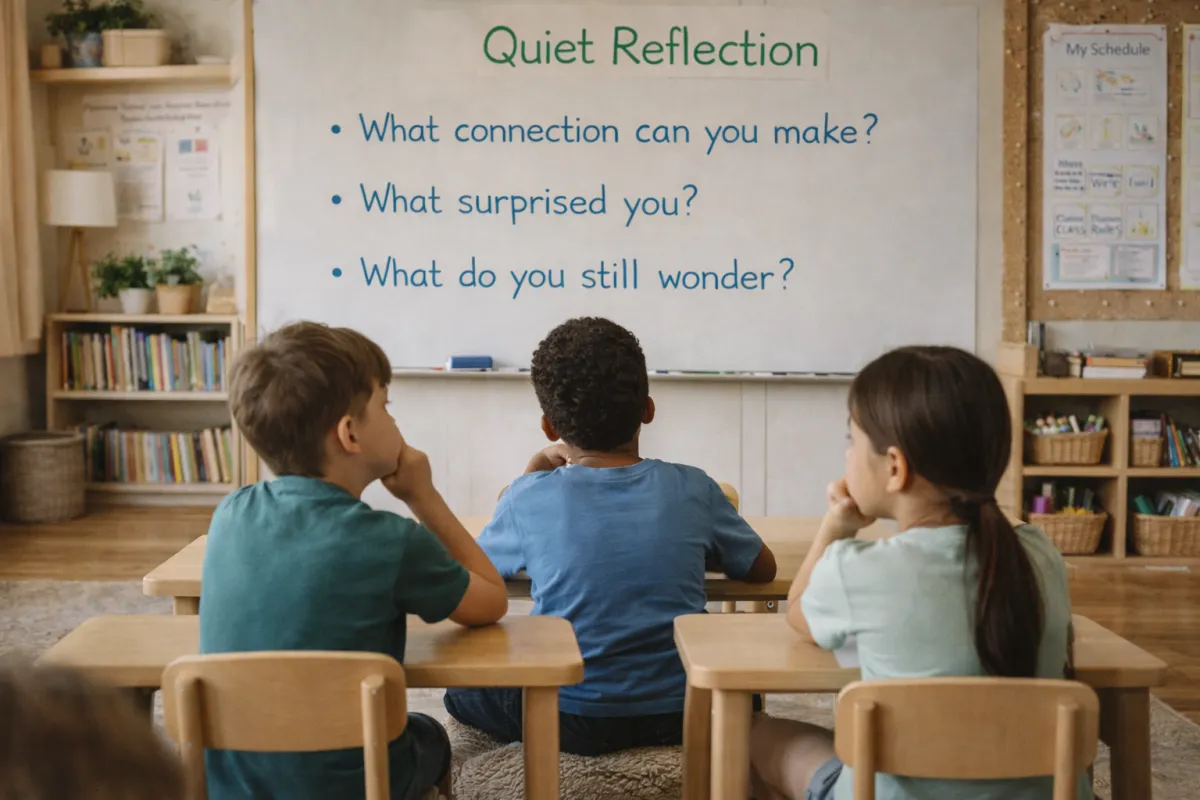
7 AI-Powered Classroom Challenges Your Students Will Absolutely Love
Primary Teaching, Classroom Ideas, AI in Education
7 AI-Powered Classroom Challenges Your Students Will Absolutely Love
AI doesn’t have to be one more thing on your overflowing teacher plate. Used well, it can actually make learning more playful, more personal, and a whole lot more engaging for your primary students. In this post, you’ll find seven AI-powered classroom challenges that are easy to run, fun for kids, and flexible enough to fit into the routines you already have.
Why AI Challenges Work So Well With Primary Students
Primary students are naturally curious, imaginative, and surprisingly fearless with technology. AI-powered challenges tap into all three of those strengths. Instead of just “using a tool,” students get to play, test, tweak, and respond to what the AI creates. They become thinkers and decision-makers, not just button-clickers.
The challenges below are designed to:
Keep the focus on student thinking, not on the AI tool itself
Work in short blocks of time you can weave into centers or whole-group lessons
Build digital citizenship and critical thinking in age-appropriate ways
💡 Friendly Reminder: You don’t have to explain “how AI works” to your students. Just frame it as a very smart helper we have to double-check, just like we would a friend’s answer.
Challenge 1: The AI Story Starter Remix
If your students ever get stuck staring at a blank page, this challenge is for you. Instead of spending half the writing block thinking of an idea, let AI do the heavy lifting on the prompt while your students do the creative thinking in the story itself.
Use an age-appropriate AI tool to generate a few silly or adventurous story starters. For example:
“You wake up and your backpack can suddenly talk. What does it say?”
“A tiny dragon moves into your desk. Describe the first day.”
Print or display a few options and let students choose their favorite. The “challenge” is that they must change at least three things from the original AI prompt before they start writing. Maybe they change the setting, the character, or the problem. This keeps them in the driver’s seat of the story and reinforces that AI is a starting point, not the final product.
Try this twist: Have students work in pairs. One partner chooses the AI-generated starter, the other decides what to change. Then they write together and share with another pair.
Challenge 2: AI Versus Our Brain – Who Explains It Better?
This one is a student favorite because it feels a little like a game show. You’re building comprehension and vocabulary, but it feels like friendly competition between your class and the AI helper. Spoiler: your students often win, and they love that.
Choose a concept you’re already teaching—maybe “evaporation,” “character traits,” or “arrays.” Ask the AI to explain it in simple language for second or third graders. Read the explanation aloud or display it on your board. Then challenge students to work in small groups to write an explanation that is:
Shorter or clearer than the AI’s version, or
More fun and kid-friendly (using examples from their own lives)
After groups finish, read a few aloud and have the class vote: Which explanation helped you understand it best? The goal isn’t to “beat” the AI but to notice what makes explanations clear and helpful. You’re sneaking in metacognition and audience awareness while students simply think they’re improving on a robot’s answer.
Extend it: Turn the winning explanations into a class-made “kid dictionary” or anchor chart collection. You can even ask AI to turn their explanations into a poem or rap for extra fun.
Challenge 3: The AI Math Coach Check-Up
Math practice can sometimes feel repetitive for students, especially once they understand the basic steps. This challenge turns AI into a “math coach” that your students get to double-check, correct, and even teach. It’s perfect for warm-ups or math centers and works well with word problems, which can be tricky at any age.
Start by asking AI to create a few age-appropriate word problems based on your current unit. For example, if you’re working on addition and subtraction within 100, you might get a problem like:
“Lena has 47 stickers. She gives 19 to her friend. How many stickers does she have left?”
Next, ask the AI to show its steps for solving the problem. Print or project the AI’s solution. Now the challenge begins: students must decide if the “AI math coach” is correct, almost correct, or totally confused. They show their own work, then compare it to the AI’s steps. If the AI made a mistake, students write a note explaining where it went wrong and how to fix it.
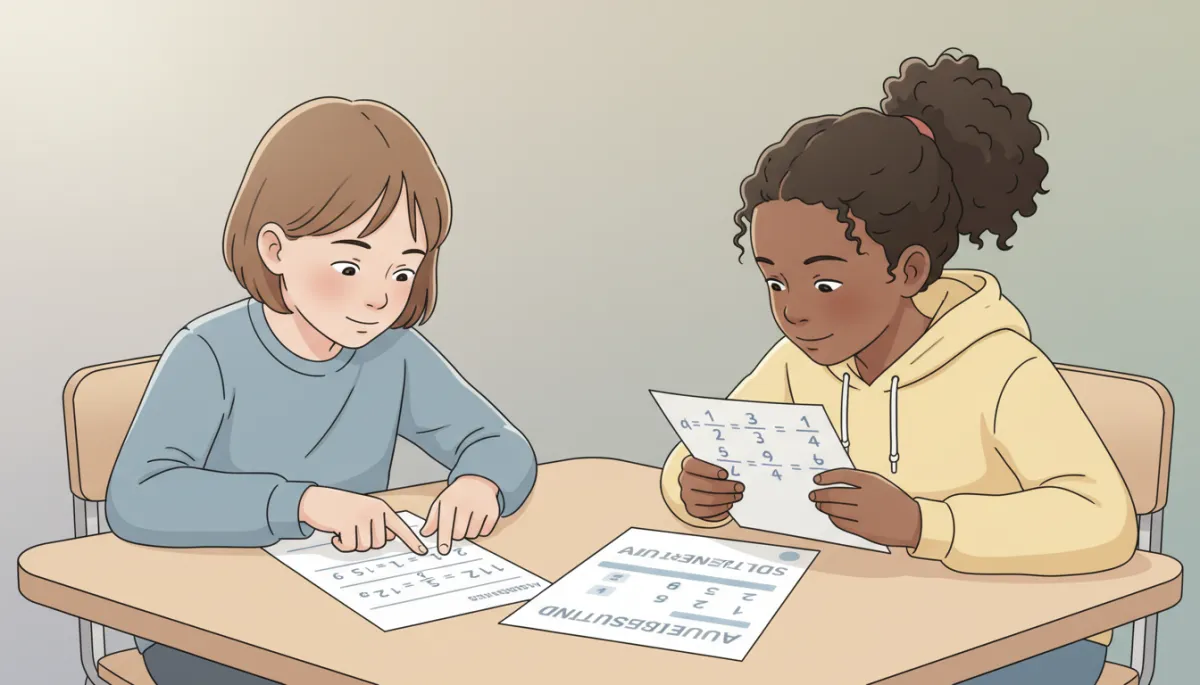
When students correct AI’s math, they strengthen their own reasoning and confidence.
Teacher tip: You can intentionally ask AI for “tricky” problems or even ask it to include one small mistake so your students have something to catch. They love being the experts.
Challenge 4: Picture Prompt Detectives
Visuals are powerful for primary students, and AI can quickly create rich, detailed scenes that spark conversation. In this challenge, students become “picture prompt detectives,” using AI-generated images as the starting point for observation, inference, and descriptive language.
Use an AI image tool to generate a few neutral, kid-friendly scenes: perhaps a busy park, a classroom on the first day of school, or a rainy day in the city. Display one on your board and invite students to look closely, just like detectives. Their challenge is to:
List everything they can see (observation)
Make guesses about what might be happening (inference)
Use at least three describing words in a complete sentence about the picture
You can turn this into a quick-write, a speaking and listening activity, or even a vocabulary review. Over time, invite students to suggest prompts for the next AI-generated picture. They’ll start to see how specific language changes what the AI creates, which is a great early lesson in giving clear directions.
Keep it safe: Always generate images yourself ahead of time and save or print the ones you want students to see. This keeps you in control of what appears in front of little eyes.
Challenge 5: The Class Fact-Check Squad
One of the most important digital skills our students need is the ability to question what they read—especially online. This challenge introduces fact-checking in a simple, age-appropriate way by asking students to verify what AI says using trusted sources like books or kid-safe websites you provide.
Choose a topic you’re exploring in science or social studies. Ask AI to give you three to five “interesting facts” about it. For example, if you’re learning about penguins, you might get facts about where they live, what they eat, and how they care for their chicks. Put each fact on a separate card or slide, and label them Fact A, Fact B, Fact C, and so on.
Now introduce your students as the Class Fact-Check Squad. Their mission: decide whether each AI “fact” is:
Definitely true (we found it in our book or resource)
Not quite right (we need to fix part of it)
Not true at all (we couldn’t confirm it anywhere)
Students use your chosen resources—textbooks, printed articles, or carefully selected websites—to check each statement. When they’re done, they rewrite any incorrect facts so they’re accurate. This simple routine helps students learn that AI can be helpful but not perfect and that good researchers always double-check.
Make it visible: Create a Class Fact-Check poster that says, “We don’t believe everything we read online. We check!” and add student examples underneath over time.
Challenge 6: Design-a-Game With AI Help
Kids love games, and they especially love making their own. In this challenge, students use AI as a brainstorming partner to design simple review games for your classroom. They’re practicing content, creativity, and collaboration all at once—while you quietly gain a library of student-made activities you can reuse later.
Start by choosing the skill or topic you want to review: maybe long and short vowels, multiplication facts, or states of matter. Ask AI for three or four kid-friendly game ideas that:
Use simple materials (cards, dice, whiteboards)
Can be played in pairs or small groups
Share the AI’s ideas with your class and let groups choose one to adapt. Their challenge is to:
Rewrite the rules in their own words (so classmates can understand them)
Create the game pieces or cards
Test the game and make at least one improvement
At the end, host a “Game Showcase” day where groups rotate and play each other’s creations. You can even ask AI for feedback prompts like, “What did you like most about this game?” or “One idea to make it even better is…” and use those as reflection questions.
Bonus: Snap photos of the games and store the rules in a digital folder. Next year, you’ll already have a bank of student-tested review activities ready to go.
Challenge 7: Dear AI, Please Help Us Reflect
Reflection is where so much learning “sticks,” but it can be hard for young students to move beyond “It was fun” or “It was hard.” In this final challenge, you’ll use AI to model thoughtful reflection questions and help students build the language they need to talk about their own learning experiences more deeply.
After a project, unit, or even one of the other AI challenges, ask the AI to generate a list of simple reflection questions for elementary students. For example:
“What part was easiest for you? Why?”
“What part was tricky, and how did you handle it?”
“If you could do this again, what would you change?”
Choose three to five questions that match your students’ level and print them on a reflection sheet or display them on your board. The challenge for your students is to answer in complete sentences with at least one specific detail in each response. You might model a strong answer first, then invite students to share a few examples aloud before they write.
Level it up: Ask AI to turn your students’ reflection sentences into a short class “celebration poem” or a letter to families summarizing what the class learned. Read it together before you send it home.

Getting Started Without Overwhelm
If AI still feels a little intimidating, you are absolutely not alone. The good news is that you do not need to master every tool or use AI every day to make a real difference for your students. Start small, with one challenge that feels fun and doable, and build from there.
Here are a few friendly guidelines as you begin:
Keep students off the tools at first. You can generate prompts, images, or explanations yourself and bring them into the classroom as printed or projected materials. This keeps everything safe and age-appropriate while you experiment.
Use AI to save your time, not add to it. Ask it to create word problems, sentence stems, or game ideas you would have written yourself. The goal is to free up your energy for the part only you can do: connecting with students and guiding their thinking.
Talk openly about mistakes. When AI gets something wrong, treat it as a learning moment, not a disaster. Your students will quickly understand that AI is a helper, not a boss, and that their brains are still in charge.
Bringing It All Together: AI as a Playful Partner in Learning
When you look back at these seven challenges, a pattern appears. In every single one, AI is not the star of the show—your students are. They are the writers, the explainers, the fact-checkers, the game designers, and the reflective learners. AI simply hands them a spark, and they turn it into something meaningful.
Here’s a quick recap you can keep handy as you plan:
Story Starter Remix – AI gives the idea, students reshape it and write the story.
AI Versus Our Brain – AI explains a concept, students explain it better.
Math Coach Check-Up – AI shows its steps, students check and correct them.
Picture Prompt Detectives – AI creates a scene, students observe, infer, and describe.
Fact-Check Squad – AI suggests facts, students verify and correct them with real sources.
Design-a-Game – AI offers game ideas, students build and improve them for classmates to play.
Reflect With AI Help – AI suggests questions, students practice deeper, more specific reflection.
You don’t need to use all seven at once. Choose one that fits a unit you’re already teaching and try it out next week. Notice how your students respond. Notice where they light up, where they take charge, and where their questions get a little deeper. That’s where the real magic of AI-powered learning lives—not in the technology itself, but in the way it opens space for curiosity, creativity, and genuine thinking.
Most importantly, remember this: you are still the most important piece of technology in your classroom. AI can suggest, create, and generate, but it can’t know your students the way you do. When you pair your professional judgment with these playful AI-powered challenges, you give your students the best of both worlds—a caring human guide and a powerful digital helper working side by side.
So take a deep breath, pick one simple challenge, and invite your students to explore AI with you. They don’t need perfection. They just need your willingness to learn alongside them—and that’s something you’re already great at.
DID YOU KNOW…
Did you know I organize a FREE Facebook Group for Mastering Classroom Management? We are gearing up for our summer sessions, so if you’re looking for a simple way to improve your classroom management join the already 200+ teachers that have signed up: Mastering Classroom Management Facebook Group
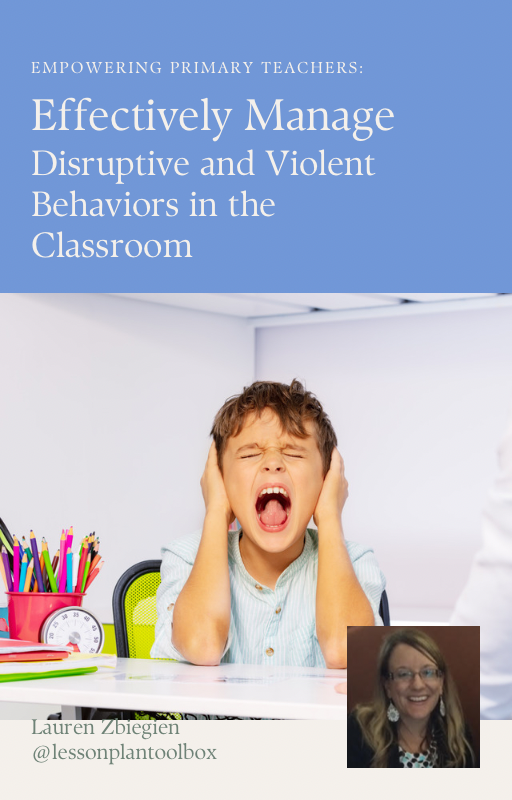
Your ebook GIFT: Empowering Primary Teachers: Effectively Manage Disruptive and Violent Behaviors in the Classroom
FINALLY…
If you enjoyed the tips in this post, you might also enjoy this series of Classroom Management by Design for Primary Teachers:
The Hidden Reason Some Students Can't Focus Before Lunch
Teaching Accountability to Young Students: A Practical Guide for K–3 Teachers
Unlock the Key to Supporting Neurodivergent Learners - Without Overwhelm
Finished Early? Now What? 10 Brilliant Ways to Keep Students Engaged Without the Chaos
A Guide to Creating an Intrinsically Motivated Classroom
Expanding AI's Role in the Primary Classroom
Unlock the Power of AI in the Primary Classroom
Supporting a Student Being Bullied
Don’t forget to follow us over on Instagram!
Teach~Relax~Repeat
Lauren
About Lesson Plan Toolbox
Lesson Plan Toolbox helps K–3 teachers build calm, structured, emotionally regulated classrooms through brain-based systems, movement integration, and ready-to-use behavior tools — so they can teach with confidence instead of stress. Founded by an educator with 20+ years of classroom and assistant principal experience


